Follow the Data: What Lineage Is and How to Read It
Where a value came from, what breaks if you change it, and how to tell an arrow you can trust from one you cannot.
A partner writes to you on a Tuesday. The weekly file you send them has your customers’ bank account numbers in it.
You need two answers today. Where did that column come from? And what breaks if you take it out? Nobody in the room knows. The file comes from a table, which comes from a view, which comes from a database three teams away.
Those two questions have one name: lineage.

The people, bank details and numbers are invented. The databases, the scans and the lineage are real: three live systems in a public test workspace, on 30 October 2026. The screens are from that workspace, except the arrow that waits, which was taken on a test copy before it bound. The diagrams are ours, from a short film made alongside this post.
Upstream and downstream
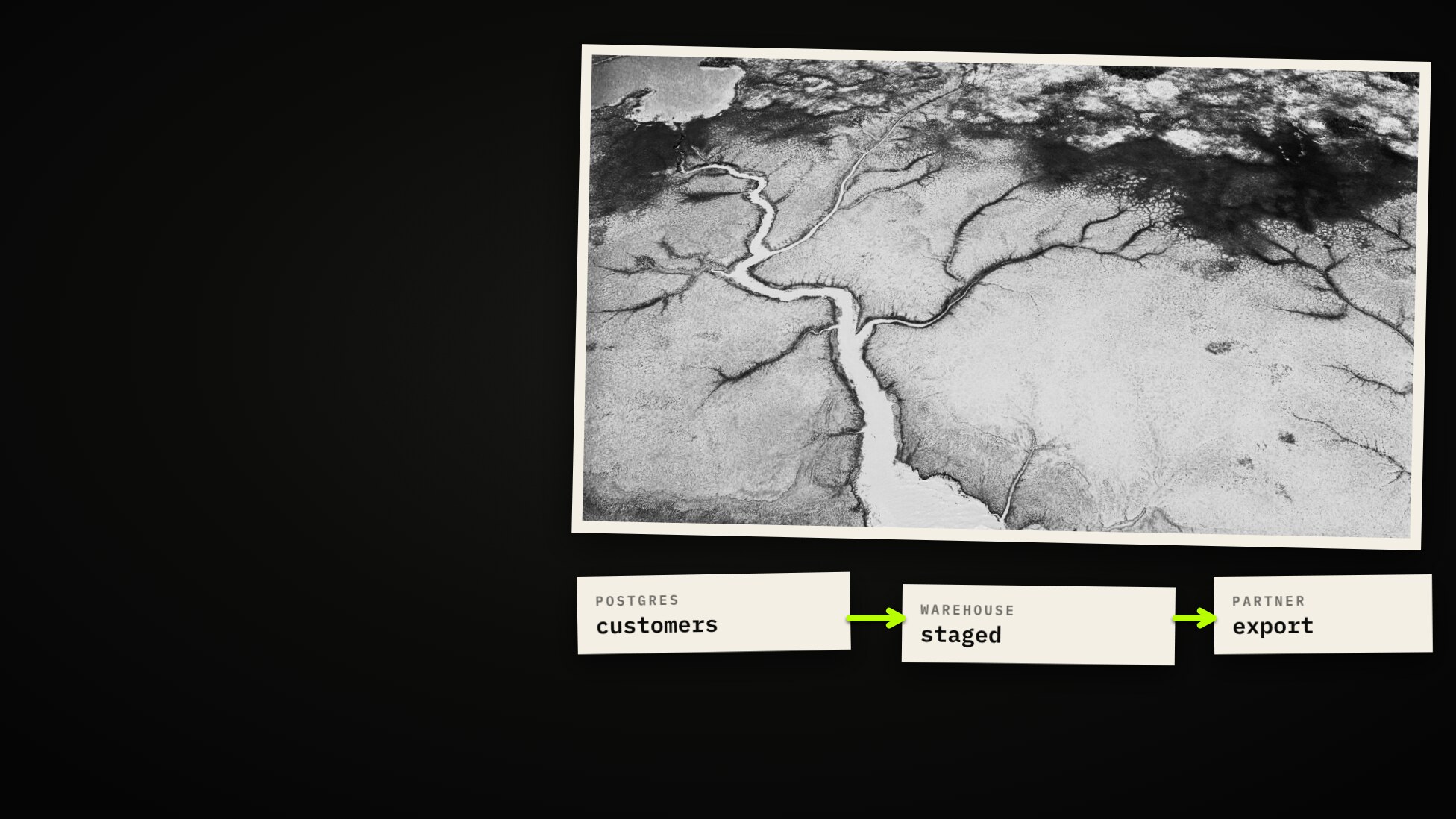
Lineage is a record of where values came from. Think of a river: upstream is where the water came from, downstream is everything it reaches.
A good graph keeps one rule. Arrows point the way the data moves, so upstream stands on the left and downstream on the right. Walk inward and you learn where something came from. Walk outward and you learn what breaks if it changes.
Why lineage graphs turn into hairballs
Because everything gets flattened into one kind of link. An attachment, a foreign key, a duplicate file and a table built from another table are four different things, and only one of them answers what breaks?

So ask one thing of every link: did values move?
| Class | Means | Example | Is it a step in the path? |
|---|---|---|---|
| Lineage (flow) | The values in one came from the other | A view over its tables | Yes. This is the lineage graph |
| Contains | One is a part of the other | A chart in a dashboard | No. It folds the picture |
| Same as | One real thing, seen twice | One file in two buckets | No. It merges two nodes |
| References | One points at the other | A foreign key | No. A hint that carries nothing |
| Used by | Somebody touched it | Who opened a file | No. A weight, not a path |
A foreign key is the one that surprises people. It is a good hint about where lineage might be, but no data moved, so it is never a step. Whatever a system is unsure about belongs in the same place: a link that carries nothing. That is how a graph stays readable. The five classes are in the docs, with what each one means for a traversal.

Which kind of move
Inside flow, the kind of move tells you what to expect at the far end.
- Copy of. The same values, moved. If the source is sensitive, so is the copy.
- View of. A saved query. It holds nothing of its own, so a change underneath reaches it at once.
- Derived. Real logic in between. The values may or may not survive, so you have to look closer.
- Written by. A job produced this.
- Exported to, sent to. It left the system. That is where a privacy question stops being internal.

Column lineage
Table lineage says a view is built from two tables. That is true, and it is not enough to act on. Before you drop a column you need to know if this column feeds anything.
Column lineage records, for every output column, what fed it and every function
on the way. It reads as a sentence: customer is name, through LOWER.
income is amount, through a CASE, then through a SUM.
The functions are the useful part, because they tell you if the sensitive thing survived the trip. A lowered name is still a name. A sum over many rows no longer holds one person’s amount, unless the group has one person in it. So each mapping says one of three things: copied as it is, transformed, or aggregated.

Where, and why
One older idea helps here. In 2001, database researchers split the question of where data came from in two.
- Where is the place a value was copied from.
- Why is the data that made this row appear at all.

Look at a filter. A WHERE country <> 'CH' feeds no output column, and yet it
decides who is in the result. So does a join key. If you drew those as arrows
into columns, every column would seem to depend on everything. So they are kept
apart, in a separate list: columns that shaped which rows came out.
Tracing a value, you can skip that list. Dropping a column, you cannot: remove the filter column and the view breaks.

How a tool knows
Most databases say which tables a view depends on, not which columns. So a tool
reads the view’s own SQL and follows each output column back: into common table
expressions, down each branch of a UNION, through views of views.
Some platforms report columns from their own catalog. They name the columns, not the functions between them, so the two sources are good at different things.

And sometimes the honest answer is nothing. SELECT * names no columns. A bare
column in a join could belong to either table. A missing answer sends you to go
and look. A confident wrong one sends you to production.

Column-Level Lineage has every case, including how to read the panel row by row.
How far to trust an arrow
Not every arrow is equally certain, so each one should say how it was known.

Where an arrow came from SQL, keep the SQL beside it, so you can read the derivation instead of trusting a label.
Across systems
The most valuable lineage crosses a boundary: two systems, two scans, sometimes months apart. The trick is a name. Not an ID from the scan, but what the platform itself calls the object: host, database, schema, table. Two scanners that never met write the same string.

So a scan can point at a table nobody has scanned yet. The arrow is kept, and it ends on an outlined node: a name with nothing inside. That is a finding in itself, because it shows where your data goes that you are not watching.

Connect that system later and the two halves recognise each other. The lineage completes itself, backwards in time. Here is that happening for real, in a test we ran before adding a schema to the scan, and straight after:


The name includes the host and port, so both scanners have to reach the database the same way. We nearly tripped on this ourselves: one connection used a pooler on port 6543 and the other port 5432, so the two would have named one table twice and the arrow would never have joined. Pointing both at the same port fixed it.
A second job: duplicates
Two tables look nearly identical. The question is not how similar, but why.

Contents and lineage come from different evidence, which is why putting them together tells you something. Duplicate review is built on this.
One real column
Back to the file. This is a test workspace with three real systems: Postgres, MySQL and a Databricks warehouse. Everything below is open: you can click through it yourself.
The export carries five bank account numbers, and each of them turns up in ten tables, across two systems.
Ten suspects. The obvious one is a CRM contact list. A value search cannot settle it, because the value is the same in all ten. Lineage can.
Walk upstream. The export reads a statement, the statement reads a staged table, and then the path leaves the warehouse. The warehouse reads the database through a foreign catalog and reports the read, and two scans that never met wrote the same name.

Pick a single column. The IBAN comes from customers, in three
steps, and not from the CRM list. That idea is closed.

value_band goes further: five steps, across the boundary, through two Postgres
views, down to quantity times price. Read the rows. Inside the warehouse they say
catalog, 95%, mapped: it knows the link, not the logic. Inside Postgres they say
SQL parsed, 80%, with the functions.

Now walk down from that staged table. One statement, one export,
nothing else. The fix is one column in one SELECT.

One arrow nobody reported. A nightly job copies account managers from MySQL into Postgres, and neither database knows. So it is drawn by hand, in amber, so that nobody mistakes it for something a platform said.

One path, three kinds of evidence. The case keeps the verdicts: the
CRM idea refuted, customers supported, the fix sized.

What it will not tell you
- Only what a platform says. Stored procedures, triggers and outside jobs leave no arrow unless someone declares one.
- How data can flow, not that a given row did. An arrow is a statement about structure.
- Names have to match. Reach one database by two host names and the halves never meet.
A missing arrow means nobody reported one. It does not mean nothing moved.

If you know how data moves and no system will say, a custom connector can declare it, column detail included.
Ask the two questions of a column, not a table, and check how each arrow was known to be there.
Open it yourself
Everything in the case is live in the all-sources-test workspace.
| Start here | What to look at |
|---|---|
partner_export | Connections tab, View, Upstream, ∞: the whole path. Pick value_band in the column panel |
lab_core.customers | Walk downstream: everything that reads it, in both systems |
lab_hr.employees | The hand-drawn arrow out of MySQL |
supplier_costs | The arrow that waited for a schema, and bound itself |
| The case | The hypotheses, their verdicts and the evidence |
The full guide is in the docs: Lineage & Relationships, Column-Level Lineage and the source pages for Databricks, PostgreSQL and MySQL. Cases are covered in Links on the board.
More from the blog
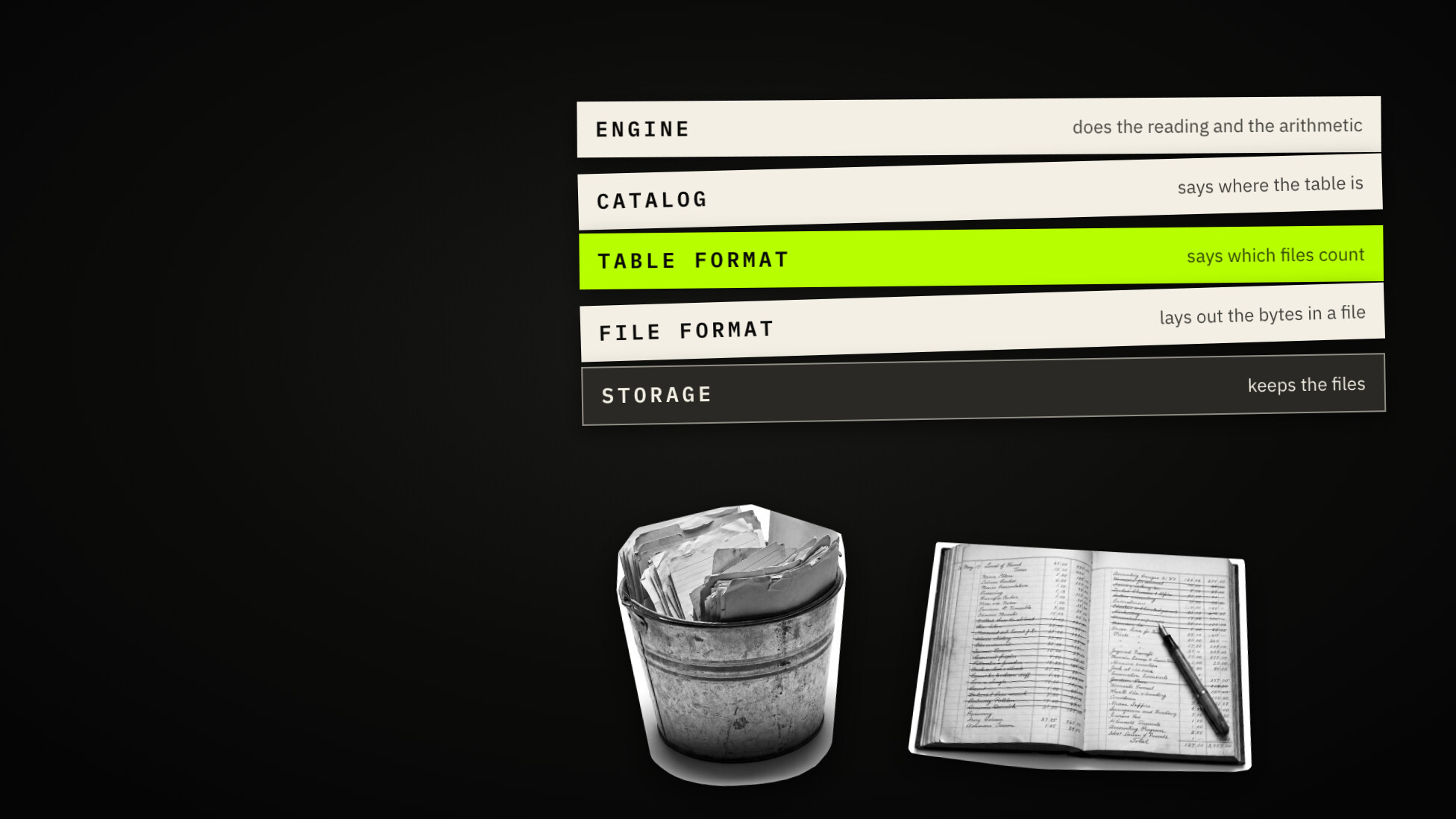
Tables Made of Files: What a Lakehouse Is and When to Use One
What a data lakehouse is, in plain words. File formats, table formats like Iceberg and Delta, catalogs and engines, when to use one, and why delete is not erase.
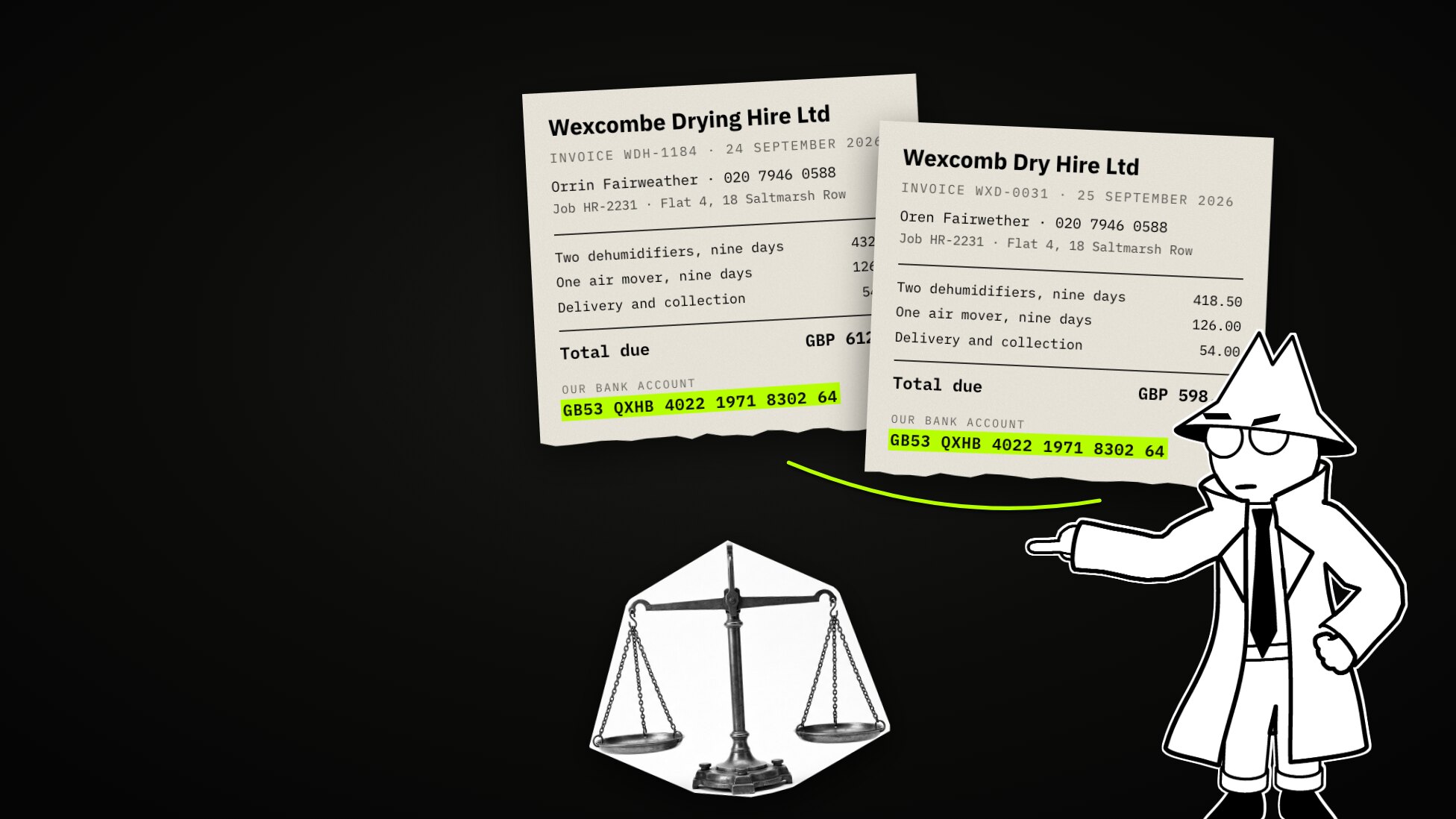
Same or Not? How Duplicate Matching Weighs the Evidence
A plain-language explainer on duplicate matching. How two documents are compared value by value, what a weight is and how the score is worked out, what the two cutoffs decide, how to tune the noise away one change at a time, and what to do with a match that turns out to matter, shown on an invented firm's shared drive.