Same or Not? How Duplicate Matching Weighs the Evidence
How two documents are compared, what a weight is, what the two cutoffs decide, and what to do with a match that matters.
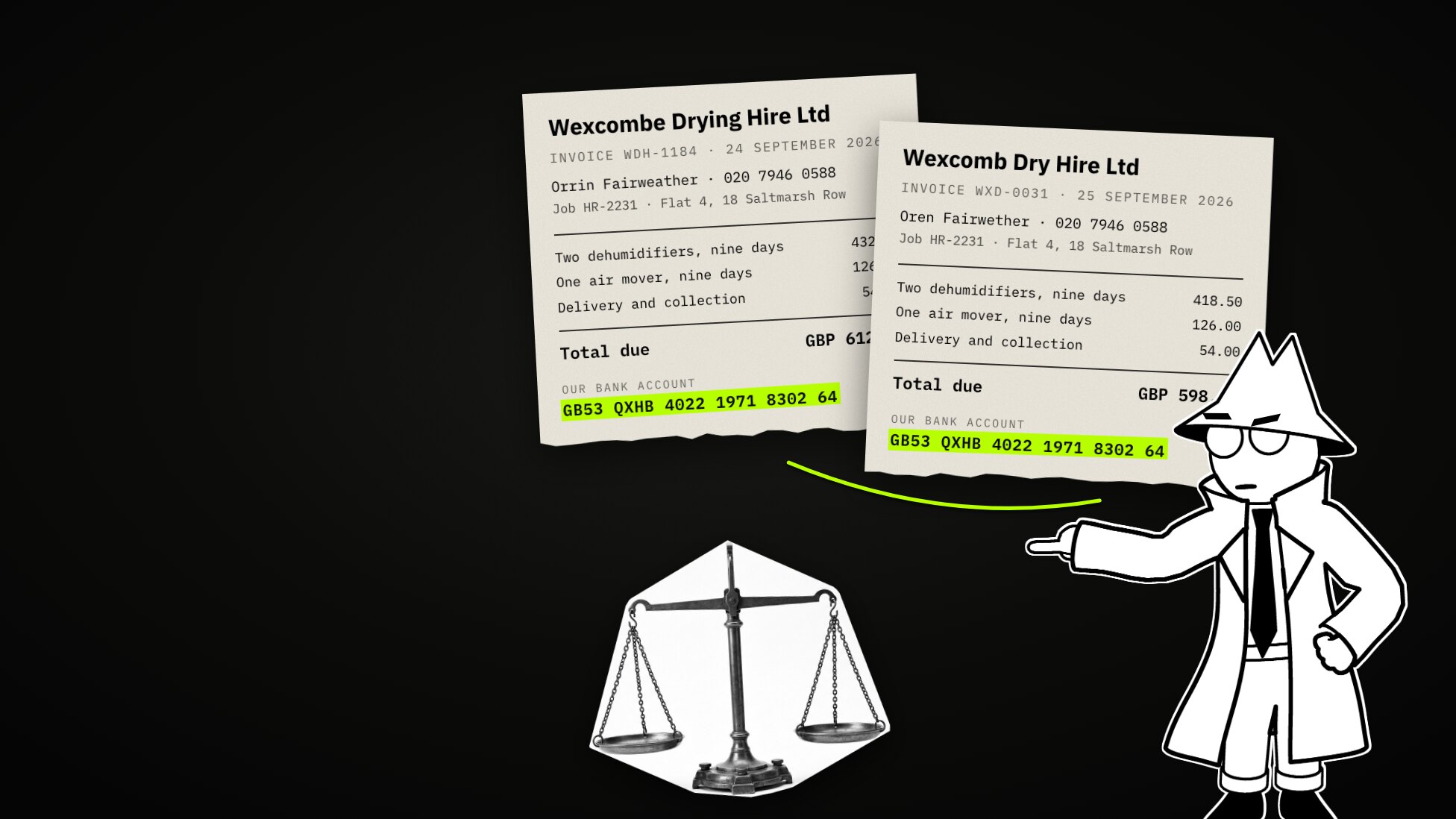
Two invoices for the same job. Two dehumidifiers, one air mover, nine days. One for £612.00, one for £598.50, a day apart. Different names at the top: Wexcombe Drying Hire Ltd, and Wexcomb Dry Hire Ltd. The same bank account at the bottom.

One supplier billing twice, or two suppliers? Before anybody can ask, something has to notice that these two belong together. This post is about how a machine decides that two documents are the same thing, how you tune it, and what to do when it is right.
The firm, Hollowmere Restoration, its customers, its suppliers, their people, bank accounts and phone numbers are invented. The matching and every number quoted here are real: the workspace’s own answers on 23 October 2026. The pictures are from a short film we made alongside this post; the lime boxes and tags on the screens are ours.
What a machine compares
A machine does not read the two invoices the way you do. Detectors pull out the values in them: names, dates, phone numbers, bank accounts. Then the two lists are compared.
A value both documents hold is a thread between them. A value only one of them
holds is a loose end. Values are tidied before they are compared (lower case,
spaces collapsed, a phone number reduced to its digits), so 020 7946 0588
and 02079460588 are the same value. “Orrin Fairweather” and “Oren
Fairwether” are not: spelled differently, they are different values.

Weights, in plain words
Not every thread is worth the same. Two letters that both say “nine days” tell you nothing. Two invoices paying into one bank account tell you a lot. So every kind of value carries a weight. These are the shipped defaults, and every one can be changed:
| A shared… | weighs |
|---|---|
| date, place, organisation, anything not listed | 1 |
| name | 2 |
| address | 3 |
| phone number | 4 |
| email address | 5 |
| bank account (IBAN), card number, passport | 6 |
The score is the share of all that weight, on both sides, that found a partner. For the two invoices, at the default weights:
| Kind | Weight | Values (one + other) | In play | Matched |
|---|---|---|---|---|
| Bank account | 6 | 1 + 1 | 12 | 12 |
| Phone | 4 | 1 + 1 | 8 | 8 |
| Dates | 1 | 3 + 3 | 6 | 2 |
| Names | 2 | 2 + 1 | 6 | 0 |
| Companies | 1 | 1 + 2 | 3 | 0 |
| Total | 35 | 22 |
22 ÷ 35 = 0.63. The names and the company names count against the score: they were in play and found no partner.

So the score is not how alike two files feel. It is how much of their evidence agrees. That is also why a short record with two matching values can outscore a long report that shares twenty values out of four hundred: the short record really is more likely to be the same thing.
The second engine: repeated text
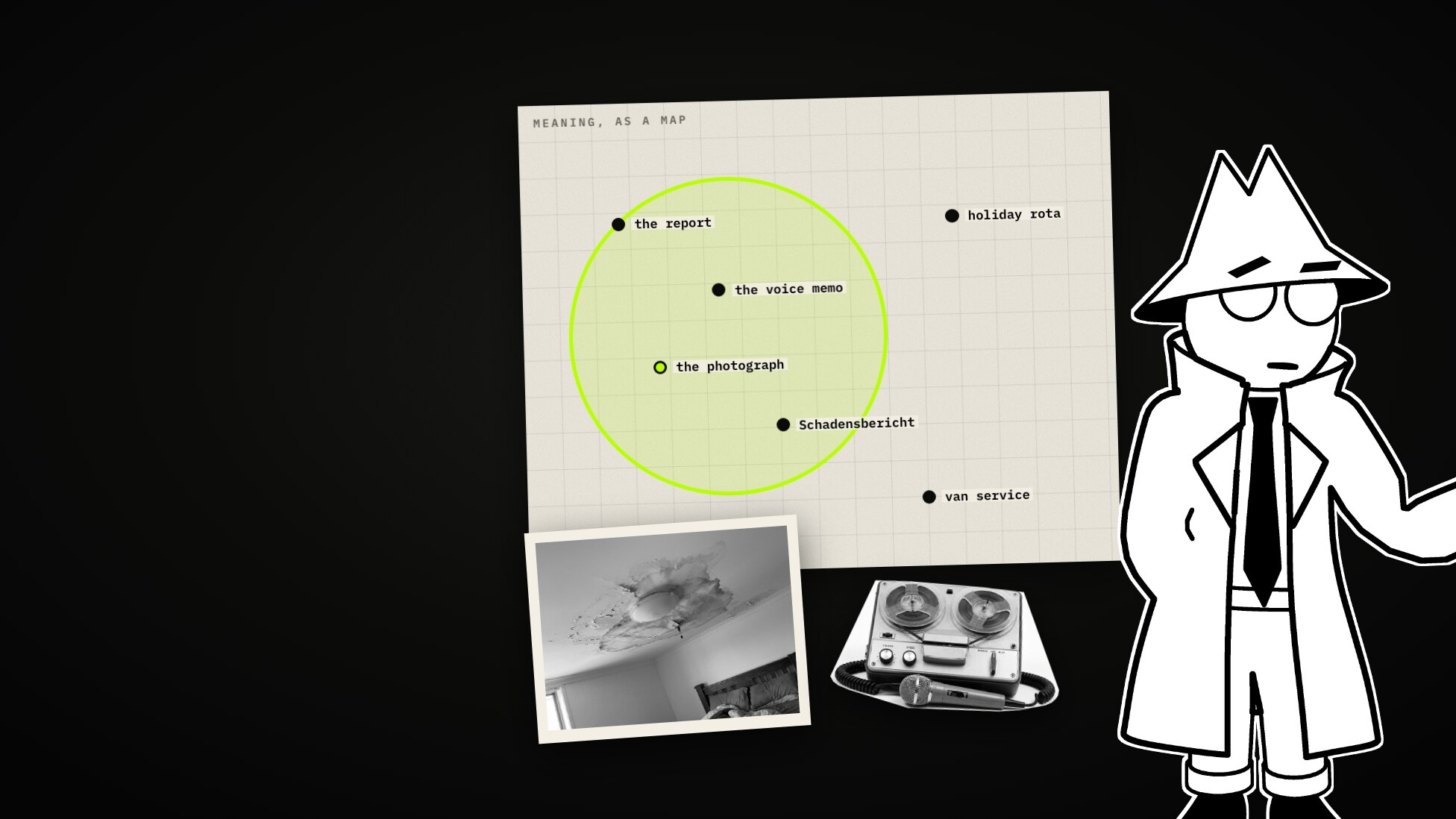
Values catch an account number. They miss a paragraph written twice. For that, a second engine turns text into lists of numbers that place it by meaning; our explainer on vectors (and the film) shows how.
In duplicate review it has one job. It spots the same passage on many documents: a letterhead, a footer, a template. That is furniture, not evidence, and knowing it is furniture is what lets you stop it from driving matches.
Two lines
Two cutoffs decide what happens to a score:
| Below the review line | Between the lines | Above the merge line |
|---|---|---|
| Dropped | Your queue | Treated as the same thing; nobody looks |
The shipped lines are 0.30 and 0.60. The two invoices, at 0.63, land just above the merge line: filed as the same thing, without a person seeing them. Where you draw the merge line decides what you never see.

Tuning the noise away, one change at a time
The firm’s shared drive in Classifyre had 146 matched pairs after the scan, 100 of them above the merge line. Pulling the merge line up to 0.9 for a moment (dragging it changes only your view until you save) brought them into the queue. At the top: 38 pairs of the firm’s own invoices, to six different customers.
1. The firm’s own values. One such pair scored 0.86. Different customers, different jobs; what they shared was the firm’s own bank account, its phone, its address and its payment terms. Marking it Not a duplicate opens What made these match, which lists every shared value with how many documents hold it: each of these was in eight or nine. The same labels had made 25 other pairs. Ticking the four values and pressing Stop matching on these values writes one rule per value, on its label. The label itself keeps counting: the firm’s own bank account stops matching, a supplier’s bank account on two invoices still does.

2. The footer. After the re-score the values were gone, and what was left was the invoice footer itself. The repeated-text engine filed it as a rule candidate: 25 pairs. Nothing was left to exclude, so the pattern’s pairs were recorded as not duplicates in one action. One engine says what matched; the other says it was furniture.

3. Weights. We tried dates at zero. Seven pairs that shared nothing but a place name jumped to a perfect 1.00. Zero does not mean “ignore a date when it disagrees”. It means the date is not there, and the evidence against goes with it:
| One shared place name, three dates on each side, none shared | Score |
|---|---|
| Dates at 1 | 2 ÷ 8 = 0.25 |
| Dates at 0 | 2 ÷ 2 = 1.00 |
Dates went back to 1. Names went from 2 to 1 instead: a signature puts the same name on every letter. The pattern of pairs that matched on a name alone went from 23 pairs at an average of 0.65 to 21 at 0.58.

4. The lines. Review at 0.40, merge at 0.85, saved. Nothing under 0.40 is stored any more, and 73 pairs were left to look at. The two invoices from the start, now 0.71, sit between the lines: at the shipped 0.60 they would have been filed as the same thing with nobody looking.
| Matched pairs | Above merge | To review | |
|---|---|---|---|
| After the scan, shipped lines | 146 | 100 | 46 |
| After the four steps | 141 | 36 | 73 undecided |
Reading a pair
The supplier pair, after tuning, read from the top:
- Match weight, 0.71: the share of the weighted evidence that matched.
- Green and red: green values are on both sides, red ones on one side only.
- Why it scored: one bar per kind of value. The bars add up to the number above; nothing is hidden in a blend. The bank account (+0.39) and the phone (+0.26) carry it; the names pull it down.
- Linked documents: these two are not joined into a cluster (no link here reaches the merge line), so the panel shows the documents matched to either of them. One is a new-supplier request, matched to both at 0.77 and 0.67. In a cluster the same panel shows the cluster and marks the weakest link, the one to cut if a chain has joined two things that do not belong together.
- The values behind this match: each kind, its weight, what it contributed, and the shared values. The search button on a row shows where else the value appears.

Where else does the bank account appear? In four documents. One is the approved supplier list, where it has belonged to supplier S-007, Wexcombe Drying Hire Ltd, since 2 November 2022. So the “new” supplier is paid into an old supplier’s account, and both billed for the same machines, the same nine days, the same job.

Where the match goes
From the pair it goes two ways:
- Add to case puts both invoices on a case board with what was found in them. The rest of the pair’s neighbourhood is offered too: here, the new-supplier request. The case held 3 documents and their 23 findings.
- Create inquiry watch keeps watching for the values that carried the score: that bank account and that phone number, however they are spaced or capitalised, in the same source. On the day it had eight matches (both values in each of four documents). The next invoice that carries them lands there.

Decisions
Every pair ends in a verdict:
| Verdict | Means | Later scans |
|---|---|---|
| Confirm | The same thing | Unchanged |
| Not a duplicate | Different | Kept apart |
| Split | The pair should not hold a cluster together | Kept apart, cluster rebuilt |
| Unsure | An answer, not a way out | Unchanged |
Decisions is where they collect: what you judged, the score you judged it at, and where it went. Went nowhere yet lists duplicates you confirmed and never took anywhere: here, a revised invoice and the second draft of a letter. Usually that is fine. When it is not, select them and send them to a case or an inquiry. And come back after you tune: a verdict keeps the score it was made on, and a pair re-scored since is marked “Re-scored since you decided. Worth another look.”

What this does not do
- It merges nothing and deletes nothing. It records judgements; your files stay as they are.
- It cannot tell you why there are two supplier records: a mistake, a rename, or not. That is what the case is for.
- It weighs what it is told to weigh. The weights are yours; the defaults are a start, not an answer about your data.
Two habits
Read the shared values before the score. And change one thing at a time, then look.
Every number on these screens is explained in the docs: docs.classifyre.com/duplicates.
More from the blog
Search by Meaning: What a Vector Is, Where Text Search Stops, and How It Learns to Look
A short explainer on vectors. What an embedding is, how search by meaning works on an ordinary processor, where it stops (pictures, other languages, sounds no transcript holds), and what a model that reads pictures and sound changes, measured on an invented company's shared drive.
One Look: Decision Models, System One, and What Five of Them Did With Fifty Messages
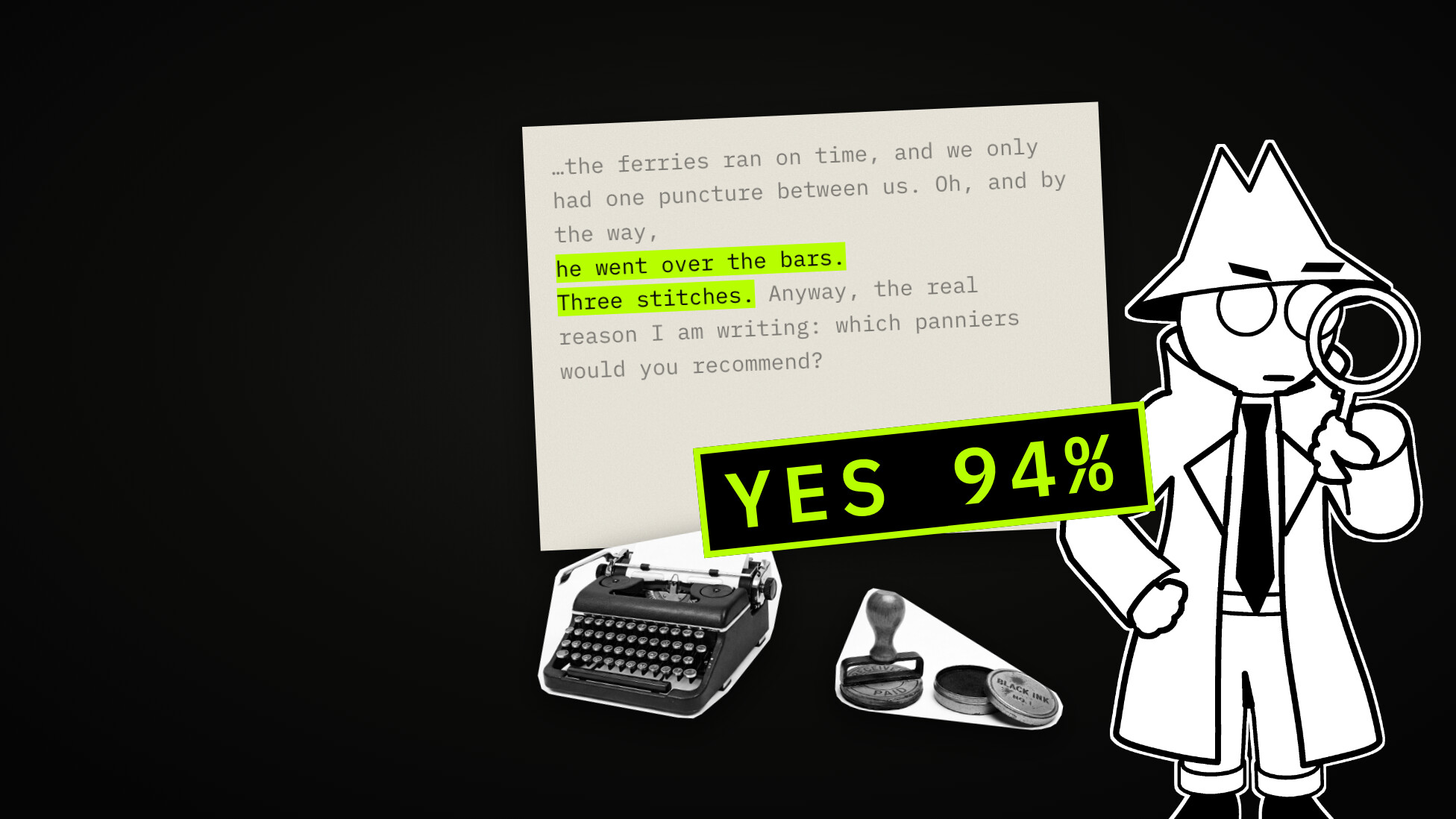
A decision model does not write. You give it a text and a list of questions, and it answers each with a probability. What that is, where the name System One comes from, why there are suddenly so many, and what five real models did with fifty messages to a bike shop that does not exist.